Vincent Hu - Dec 25, 2024
Unlock FCA Secure Gateway-secured vehicles without a hitch

In 2018, FCA implemented the Security Gateway Module (SGW) to prevent unauthorized access. SGW was designed to limit intrusive diagnostics, meaning users cannot directly clear DTCs or perform bi-directional control tests on vehicles equipped with SGW. The SGW is essential in many modern vehicles, especially those from FCA brands like Jeep, Chrysler, Dodge, and RAM in North America. It acts as a protective barrier to prevent unauthorized access and tampering.
Learn about SGW
Role of SGW:
• Security Barrier: Prevents external devices from accessing critical vehicle systems, such as the ECU.
• Limits Access: Restricts certain diagnostic functions unless specific conditions are met.
• Enhanced Security: Reduces risks of hacking or tampering, particularly with wireless access.
For Diagnostic Tools:
• Unlocking SGW: Requires tools that can "unlock" or bypass SGW for advanced functions like ECU programming. Some tools have built-in features for this, while others may require a subscription or specific procedures.
XTOOL and SGW Access:
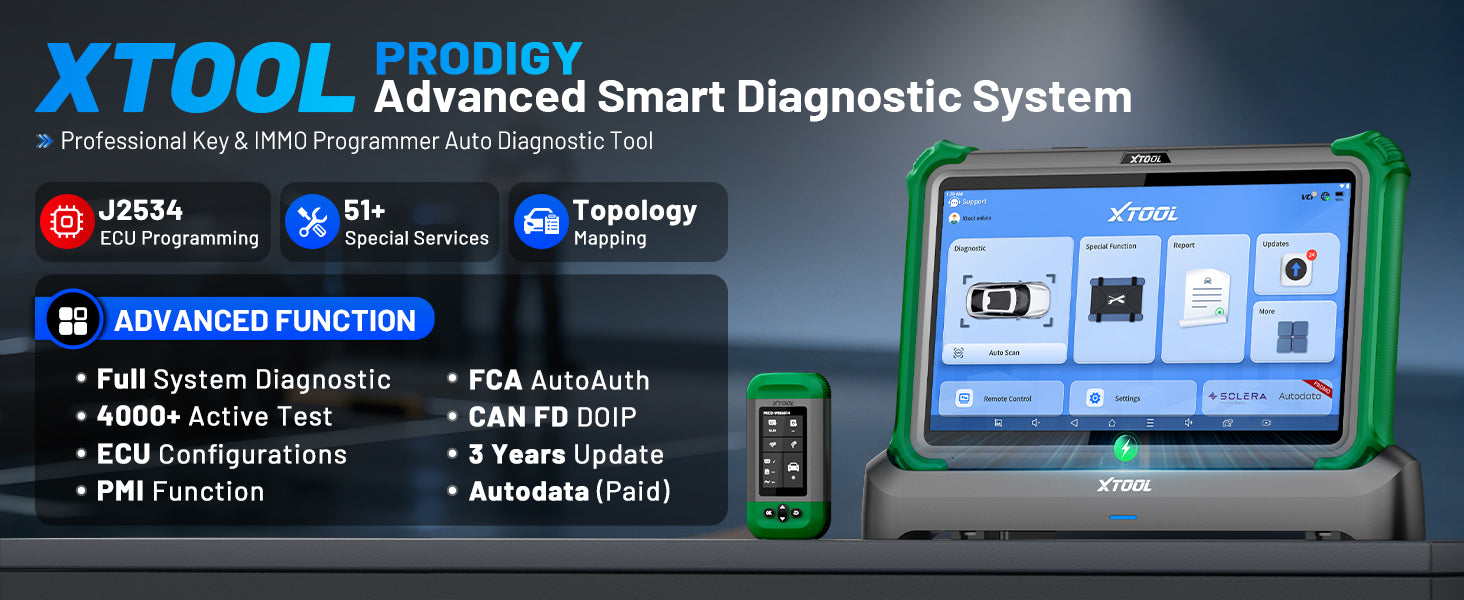
• XTOOL users can now access the SGW module and perform these previously restricted operations simply by registering with the authentication service AutoAuth, without requiring additional accessories. This applies to products like the Xtool D7 series, D8 series, D9 series, IP900 series, IP919 series, X100 MAX, X100 PAD3, and more. Additional products will be added in the future. For the most accurate information, please refer to the Xtool product comparison chart, though note that the chart may not always be up to date. For the latest details, feel free to contact us or check the product details on our website.

Steps to Access the SGW
1. ACCOUNT REGISTRATION
• Visit: www.autoauth.com >> click Register
To register your shop account, visit AutoAuth.com. There is an annual fee of $50 per shop account, which includes access for six users. Additional users can be added for an annual fee of $2 per user.

• Complete and submit the User Signup

• An confirmation email will be sent to you to verify your email address.
2. SET YOUR ACCOUNT
• Log in to the AUTOAUTH website: www.autoauth.com.

• Register your Shop&Techs accounts on Autoauth.
1) For Shop Owner: Select Service Center Signup / Independant Technician Signup to register for your shop and add techs as users to Shop Account
2) For technicians: Select User Profile to create your account, and provide your username to the shop owner to be added to the Shop Account

• An confirmation email will be sent to you to verify your email address.
3. ADD TOOL
• Select Manage Tools from the left menu >> select Add Tool, fill in the following:
1) Manufacturer - Select Xtooltech Co
2) Tool Model - Select ALL MODELS
3)Serial Number - Enter the serial number listed on the back of your diagnostic tool

4. UPDATE SOFTWARE
• Ensure the software update the latest version:
1) Application: V 5.5.7 or newer
2) Tool Model - Select ALL MODELS
If your device is not within the subscription period, please contact your dealer to renew
Comments
ik heb een account gemaakt en betaald maar ik kan niet mijn Xtool Prodigy niet invullen bij de werkplaats tool, ik zie alleen dat ik Snap On kan kiezen in de lijst.
Signed up, registered, and paid but will not allow me to login on the tool. Added shop and tool. But when go to use a function and login to autoauth on the tool kicks out and resets.
I have signed up with autoauth paid $60.00. I have Xtool X100Max . I called autoAuth and they verified that all of my settings are corrrect and that it should be working. But I tried it on a 2019 chrysler 300 and it did not work. there was no screen thyat had a place to login to Autoauth. I;m a Locksmith so I need it to work when I run into a 2018 plus Dodge ,jeep or Chrysler.
This is false information, Xtool absolutely does not unlock FCA gateway and work. I have several registered Snap-on computers that do work.
hy
i have account on webapp.autoauth.com
in tool section i see only snap-on
a am from Europe
why not see xtool,topdon,launch,etc
thanks!